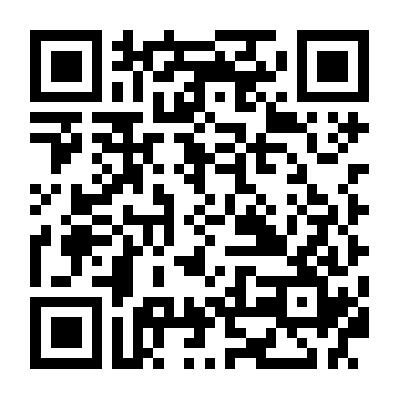
Create a QR code your guests can scan to join the WiFi. Copy the image or download a PNG. Nothing is uploaded.
How to use this WiFi QR code generator
- Enter the network name. Add the password unless the network is open.
- Keep WPA/WPA2 selected for a typical home network. Check Hidden network if the name is not broadcast.
- The QR code updates as you type. Copy the image or Download the PNG.
- Do not post the image in a public chat if the network is private. To send the password as text, see how to share a Wi-Fi password.
Frequently asked questions
Does this WiFi QR generator upload my password?
No. The QR code is created in your browser. Nothing is sent to a server.
What is stored in the QR code?
The network name and password, in a standard WIFI payload. Anyone who can see or scan the image can join the network.
Will iPhone and Android cameras read it?
Yes. The Camera app on iPhone and most Android phones can scan a WiFi QR code and offer to join.
Should I choose WPA/WPA2, WEP, or Open?
Use WPA/WPA2 for a typical home or office network, including WPA3 personal. Use Open only if the network has no password. WEP is for old hardware that still requires it.
Why would Copy fail when Download works?
Some browsers cannot write an image to the clipboard. Download always saves a PNG you can share or print.
Related: